Build & Learn Academy.
A LEGO school for children aged 5–10 in London. I delivered the whole project end to end: from the logo and website to a custom online booking system with payments, Reels covers and print materials.



A website that books children into classes and takes payment on its own
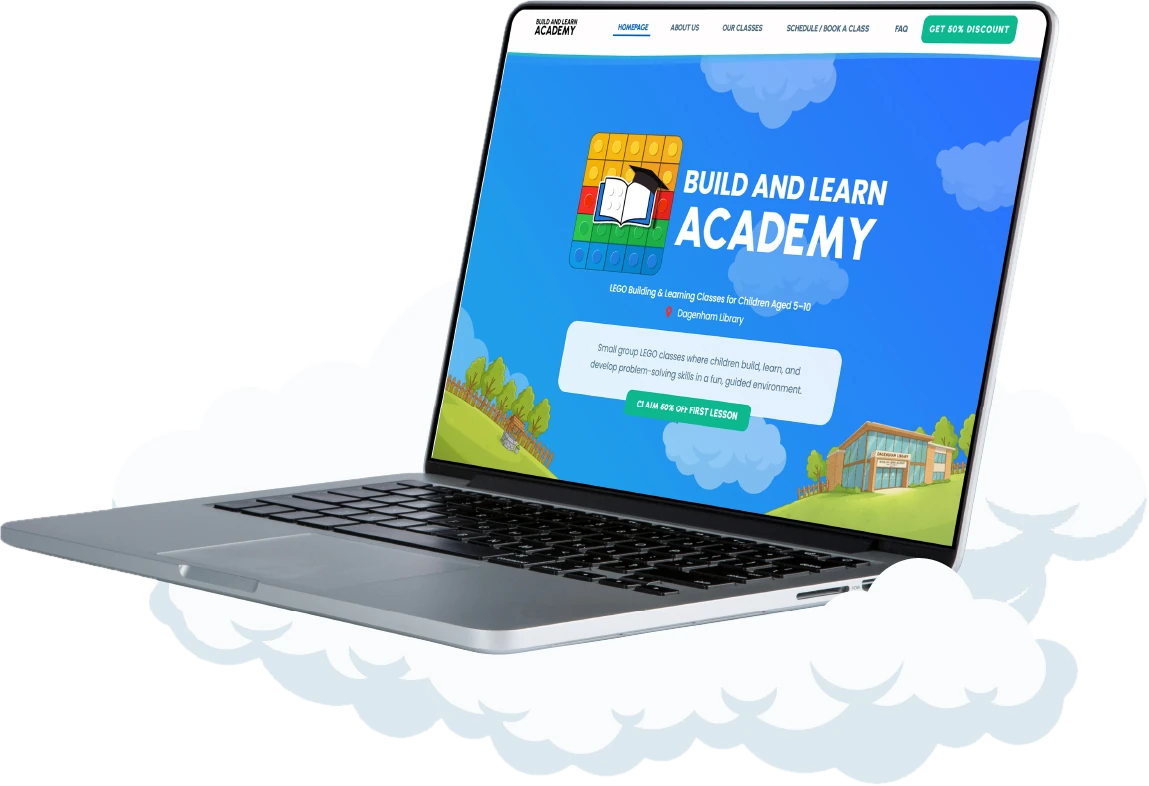
Launch a LEGO school from scratch and sell classes online
The school had no brand, no website and no way to take bookings. Parents needed to pick a class by age, book and pay on their own, so the owner wouldn’t spend time on messages and spreadsheets.
One connected system instead of a patchwork of services
- Brandlogo, palette, illustrated world
- Websitemobile-first, answers to parents’ questions
- Bookingcustom system: classes, place limits, plans
- PaymentStripe right inside the booking form
- Managementowner dashboard with every booking
- PromotionReels, posts, flyers with a QR code
Visual identity and logo
The brand had to appeal to children and earn parents’ trust at the same time. Therefore, the logo is a strict, dense wordmark, surrounded by a bright world of sky, clouds and LEGO bricks.
 B&L Academy
Design system and UI kit
Before drawing any pages, I put together a set of rules: palette, fonts and components. As a result, the website, booking form and social media look like one whole, and new pages are assembled from ready-made blocks.
Palette
Typography · Poppins
Buttons
Booking progress
Cards
Form fields
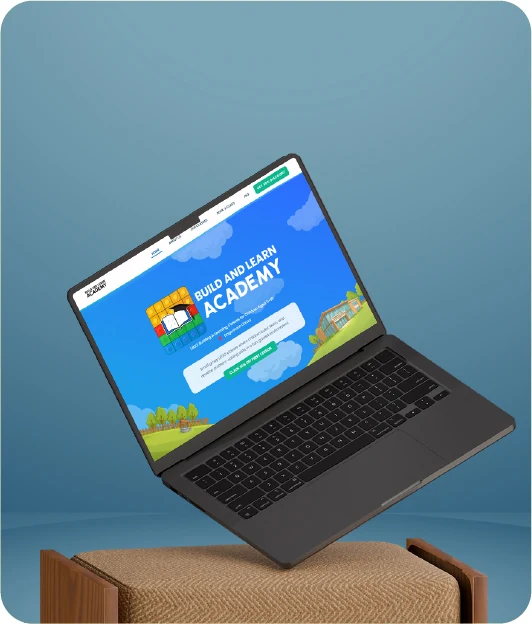
Desktop experience
The first screen answers a parent’s three questions straight away: what it is, what age it’s for and where. In addition, the Dagenham Library illustration shows the school is close to home, and the first-class discount button is always in the header.
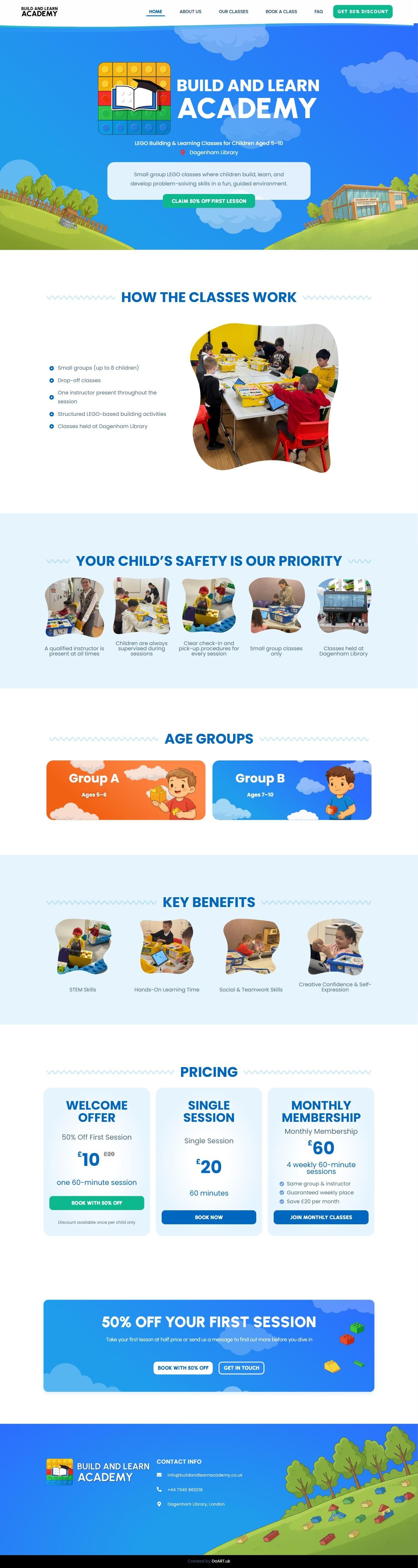 Homepage preview
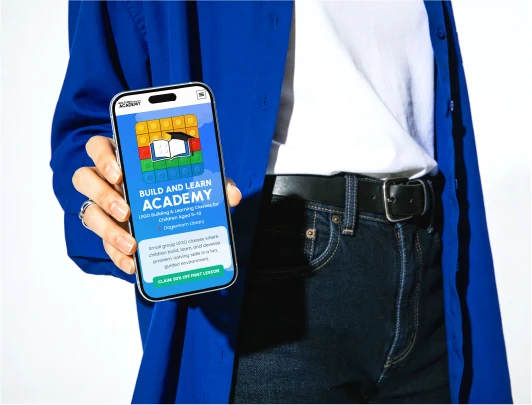
Mobile experience: a mobile-first approach
Most parents open the site on their phone, from a social media link or the QR code on a flyer. Therefore, the interface was designed for the phone screen first and only then expanded to desktop.


The site screens scroll on their own, just as a parent sees them on a phone.
Custom online booking system: the UX logic
Off-the-shelf plugins couldn’t handle the essentials: age groups, place limits, class passes and a first-class discount. Instead, I wrote a custom online booking system around how the school works, with payment right in the form and a dashboard for the owner.
First, the parent picks the child’s age. Then the card immediately shows the day, time and place limit, so unsuitable options drop out at step one.
Three clear options. The pass shows the “Save £20” saving, and the 50% off first class takes away the fear of trying.
Next, the calendar shows only the selected class’s session days and how many places are left. As a result, a full or non-existent date can’t be picked.
Just three required fields. In addition, the owner can clarify everything else at the class: the shorter the form, the more bookings.
Finally, the card is entered on the same page, with no redirects to third-party sites. Moreover, the place is only secured after payment, so there are no “booked but didn’t show” cases.
The parent sees a booking confirmation, and the owner sees the booking, payment and class capacity in their dashboard.
Choose your child's age group
Small groups · Max 8 children
Choose your booking option
Select the package that suits you
Pick a date
Only real class days · spots left
Parent details
Only three fields
Complete bookingPayment
Secure payment by Stripe
You're booked!
Wednesday 14 · 17:00–18:00
Ages 5–6 · Monthly Package
Click the steps: the screen shows what the parent sees
Print materials and identity
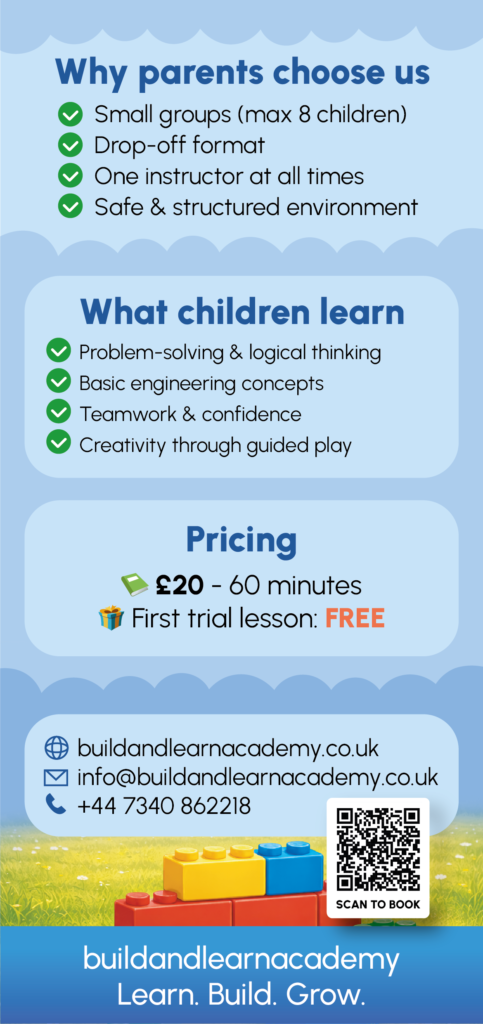
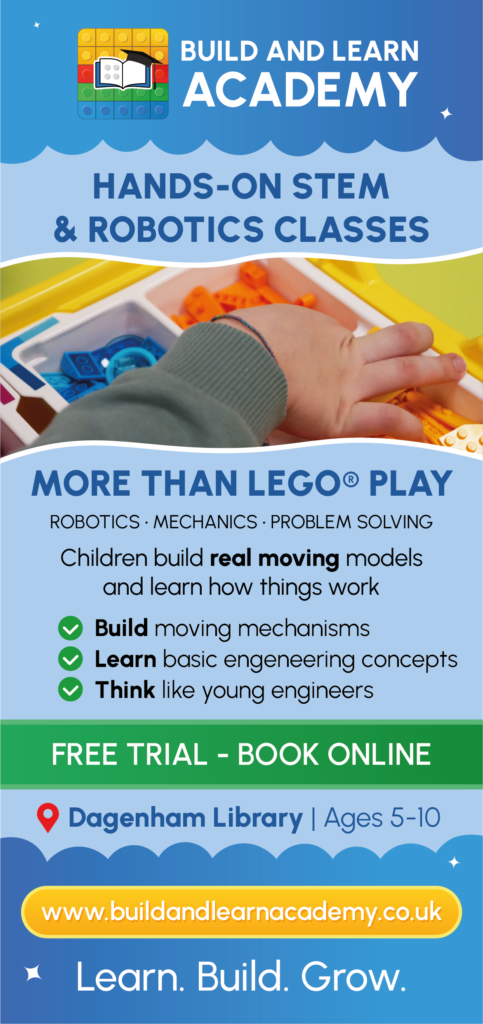
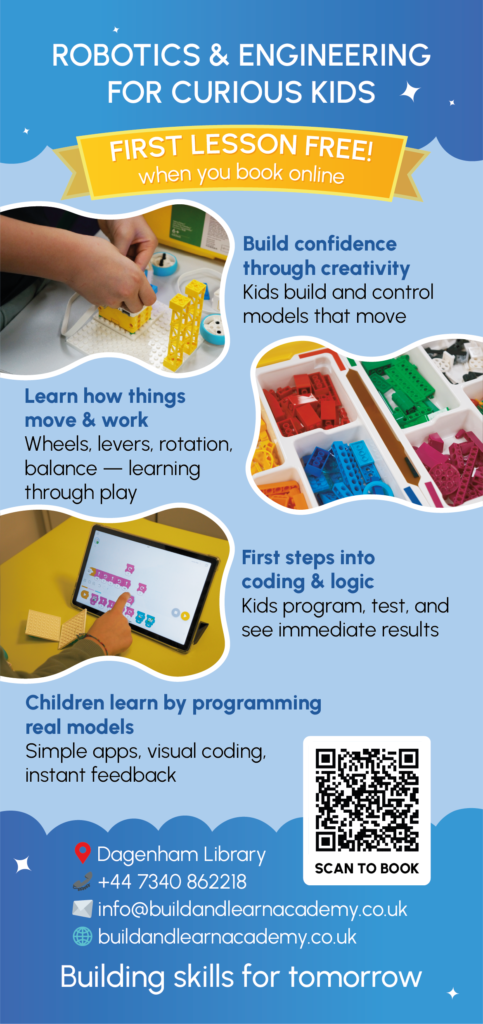
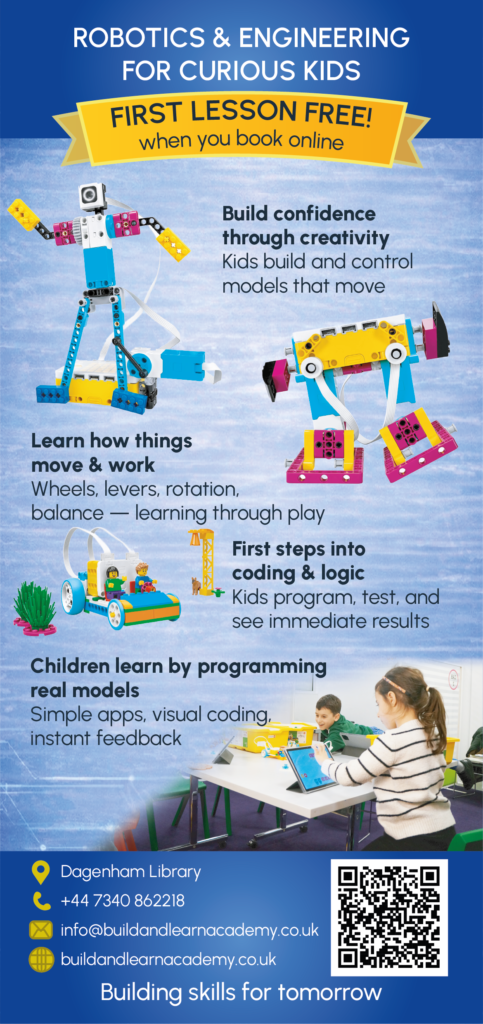
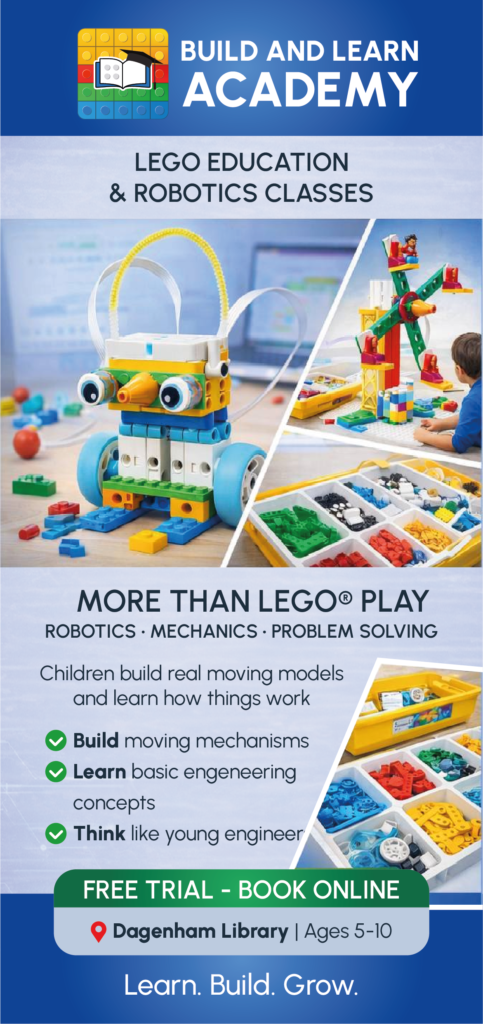
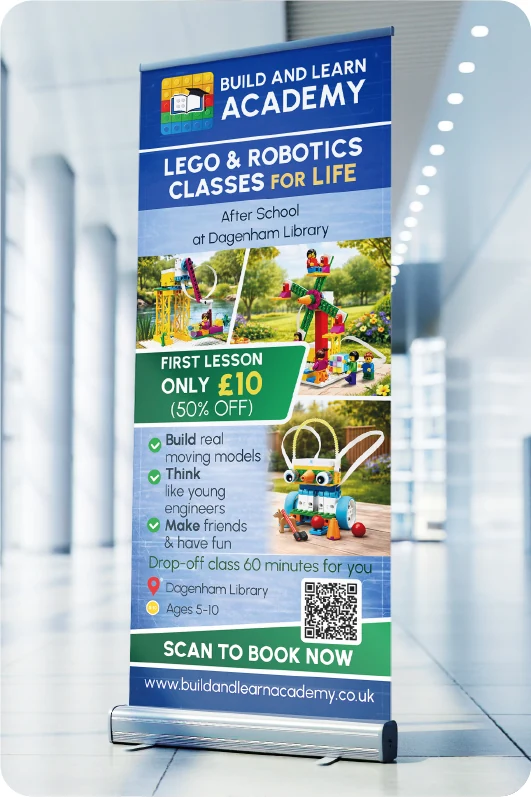
For offline promotion, in the library and around the neighbourhood, I designed flyers and posters. They also continue the website’s style and lead to booking via a QR code.
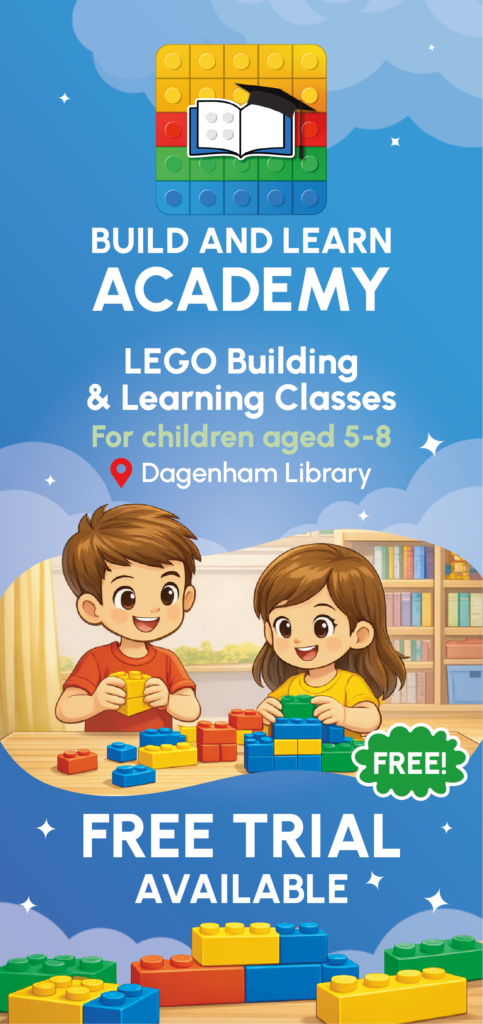
Cover and Reels design
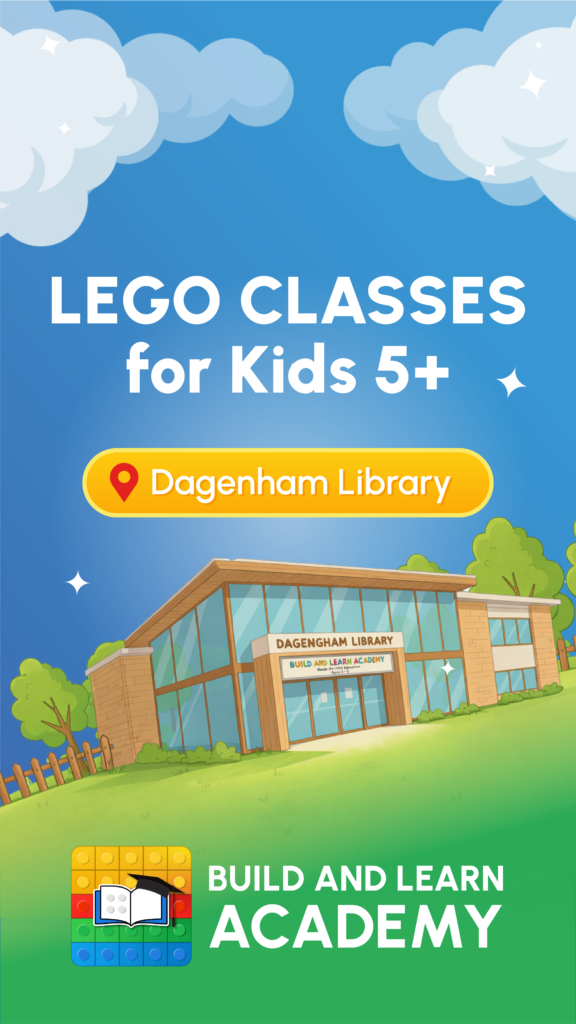
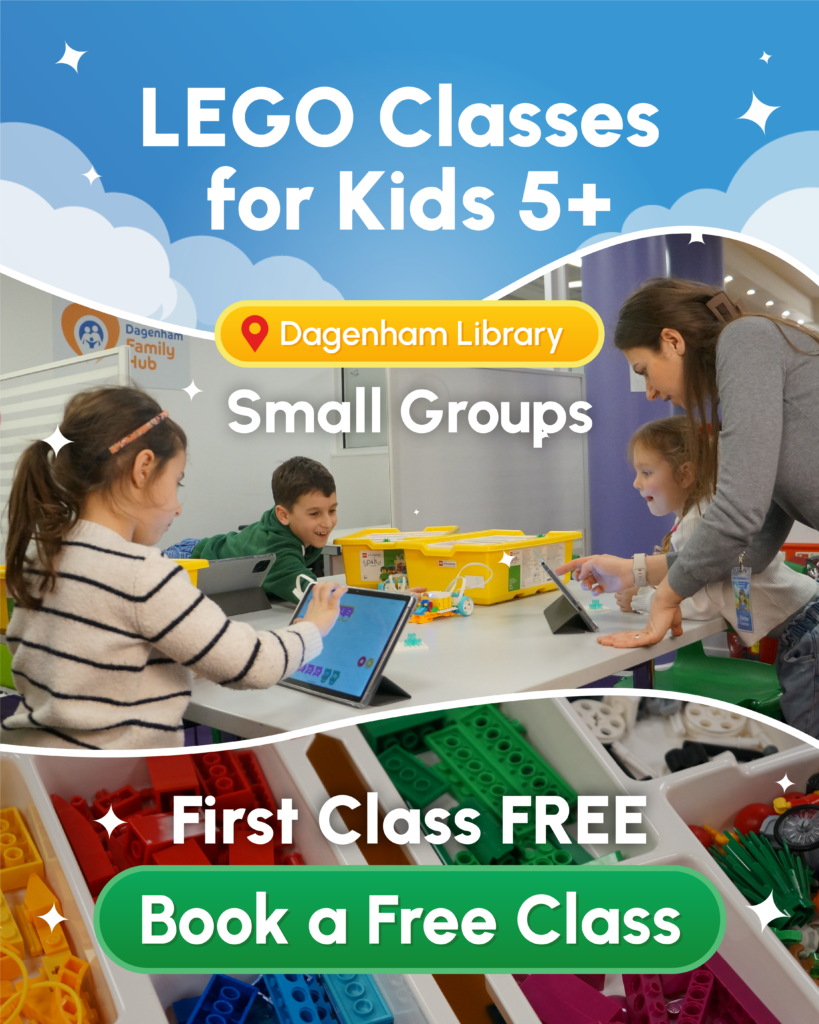
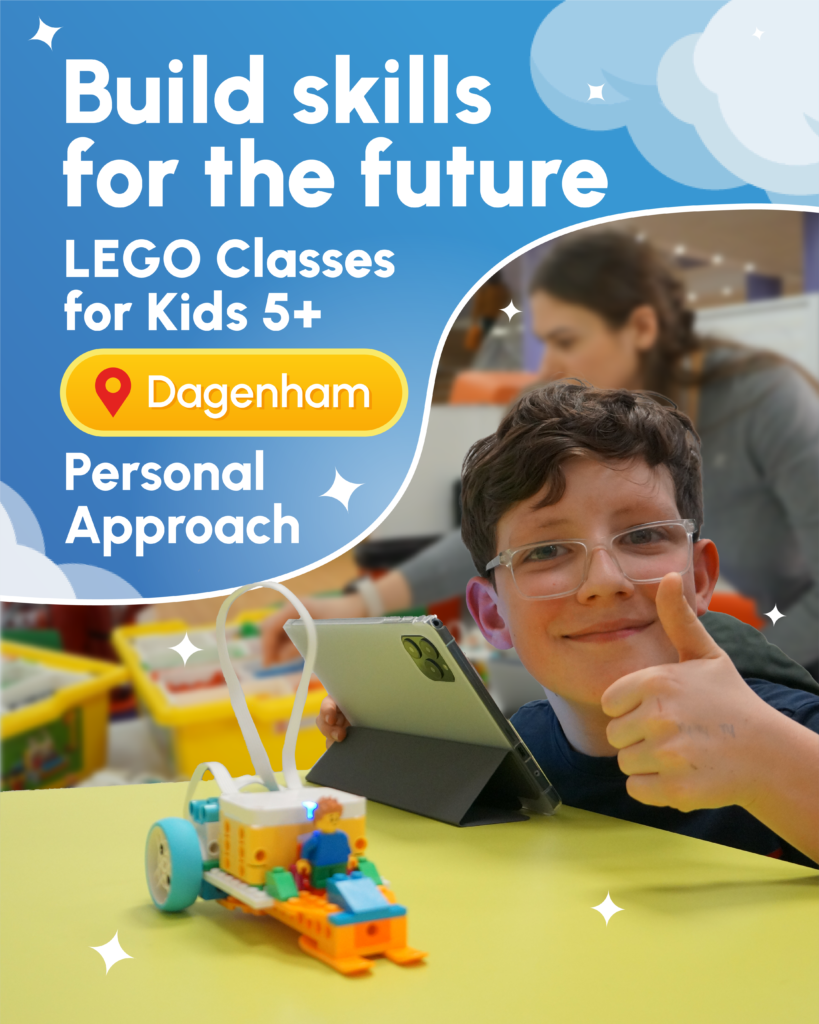
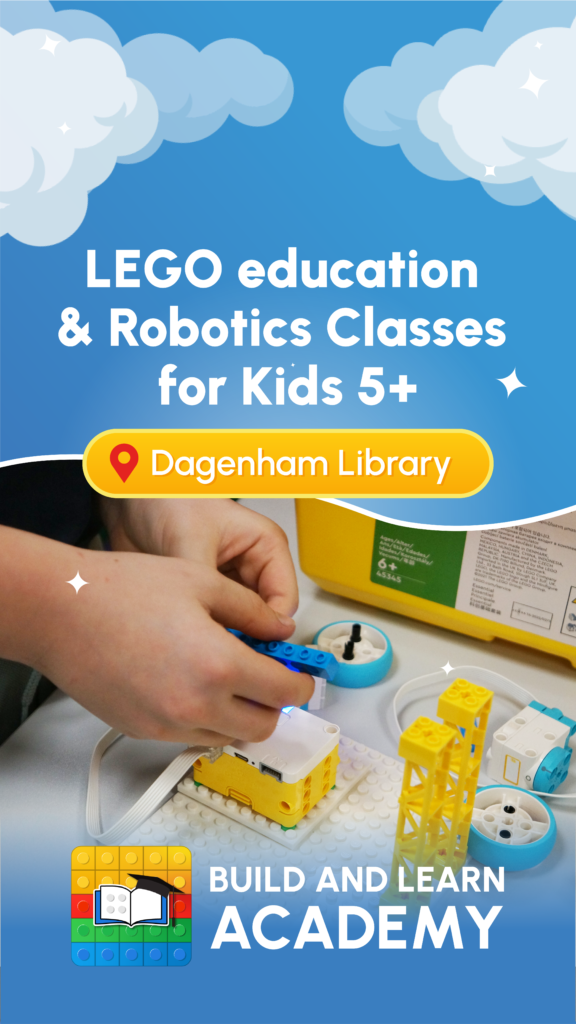
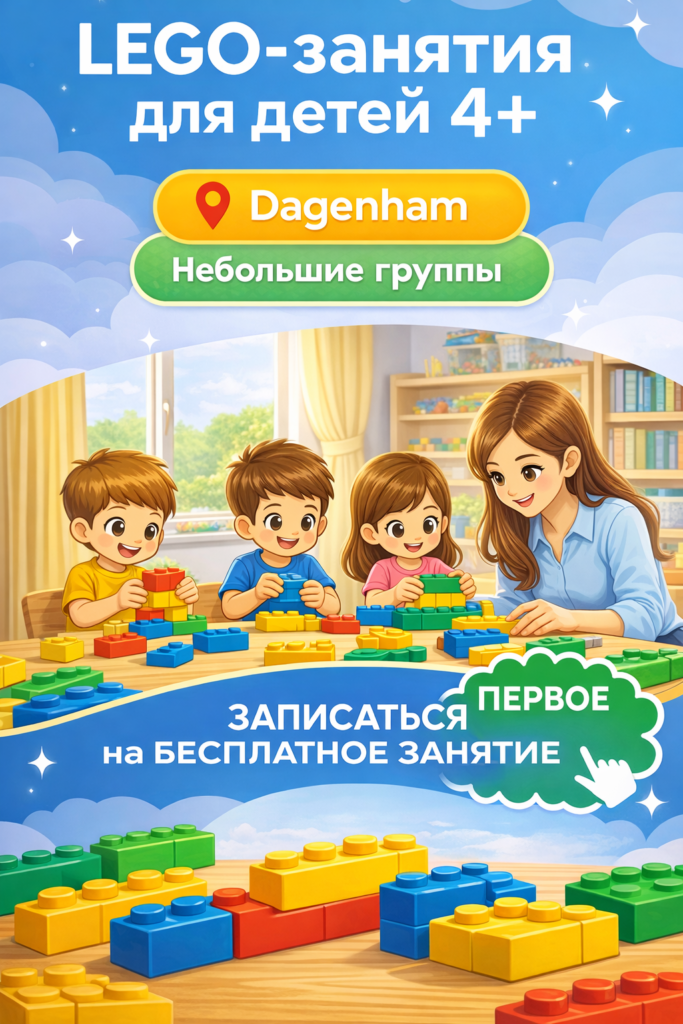
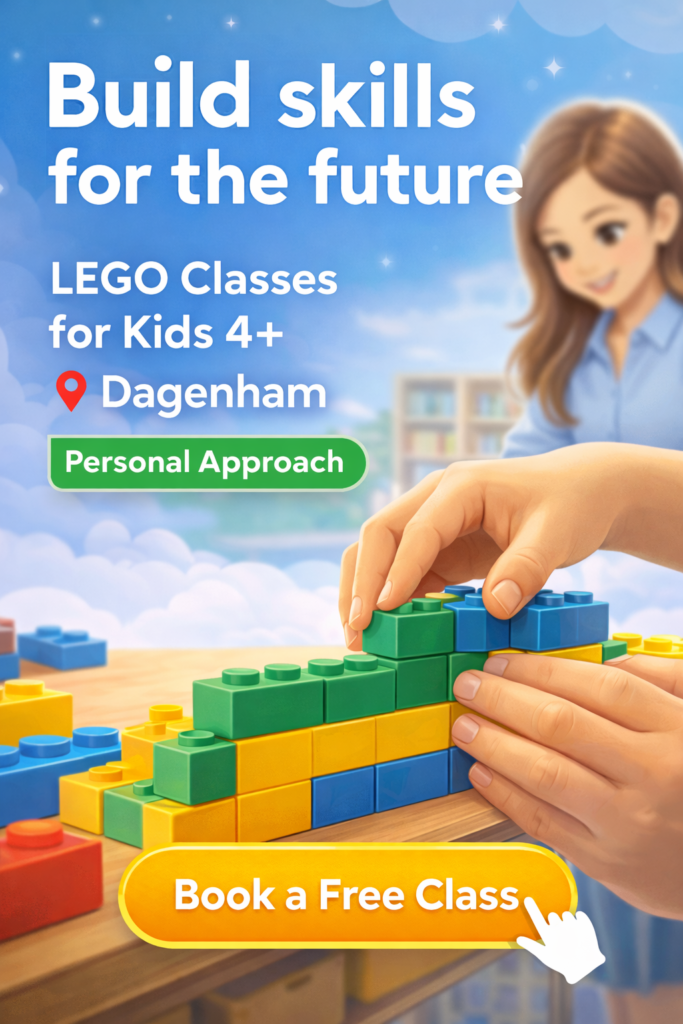
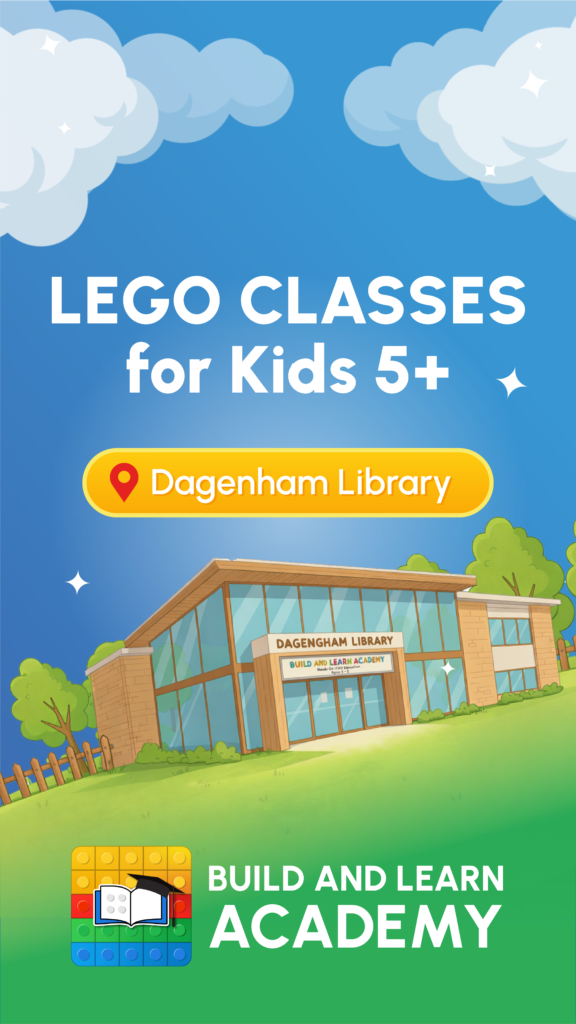
A series of Reels and post covers in the same system: sky, clouds, a yellow location tag and a green “Book a free class” button. As a result, the feed looks cohesive, and every video continues the path to booking.


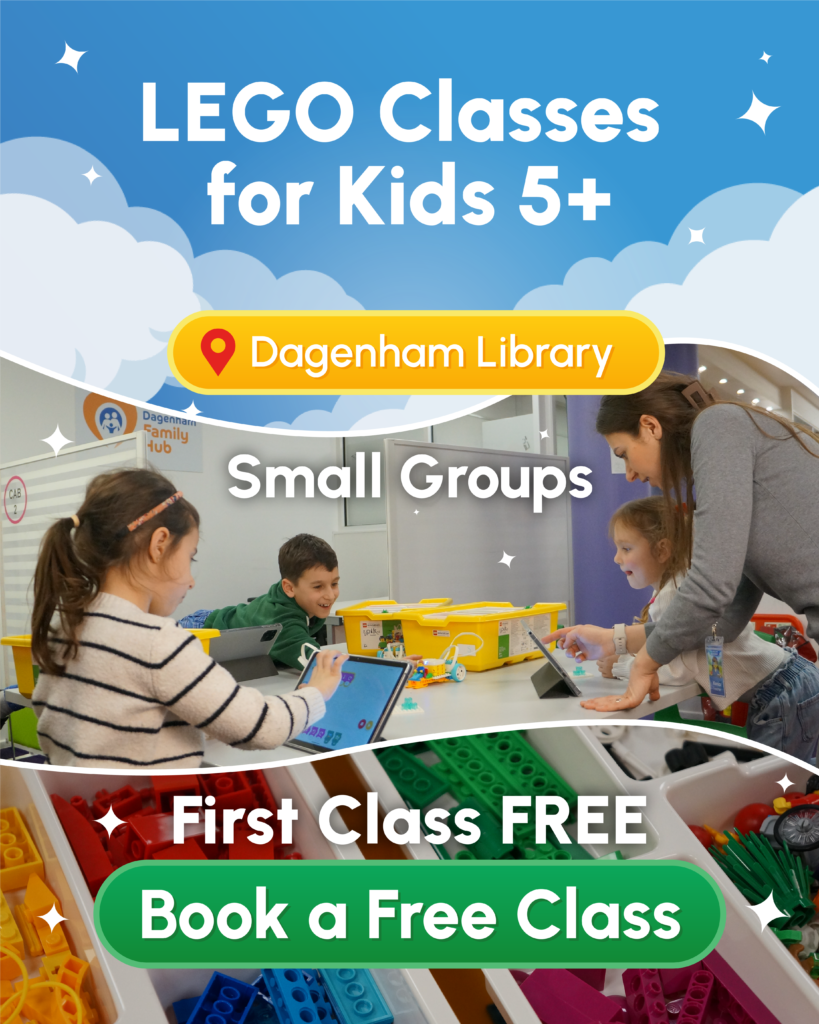
A complete ecosystem
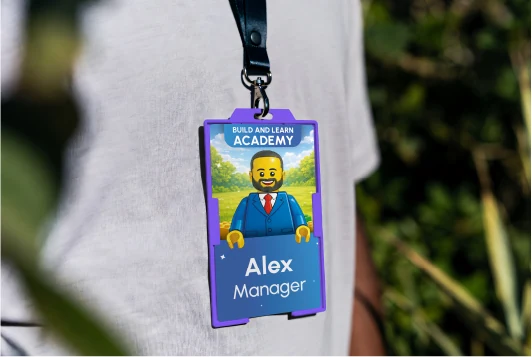
In this project I didn’t just build a website, I designed the brand’s whole ecosystem: from team badges and a roll-up banner in the library to Reels and the booking system. Moreover, each part leads to the next: a parent sees a flyer or video, lands on the site, books and pays, and the owner gets the booking without a single call.

See the live project
The site is live and taking bookings online. Open it and try booking yourself.