Case studyBrandingUI/UXDevelopmentOnline booking & paymentsMarketing design

Build & Learn Academy.

A LEGO school for children aged 5–10 in London. I delivered the whole project end to end: from the logo and website to a custom online booking system with payments, Reels covers and print materials.


ClientBuild & Learn Academy, Dagenham Library, London
GoalLaunch the school from scratch and sell classes online
RoleBrand, UI/UX, development, marketing design
StackWordPress, PHP, JavaScript, Stripe

A website that books children into classes and takes payment on its own
24/7 online bookingStripe paymentsClass size limits📍 London
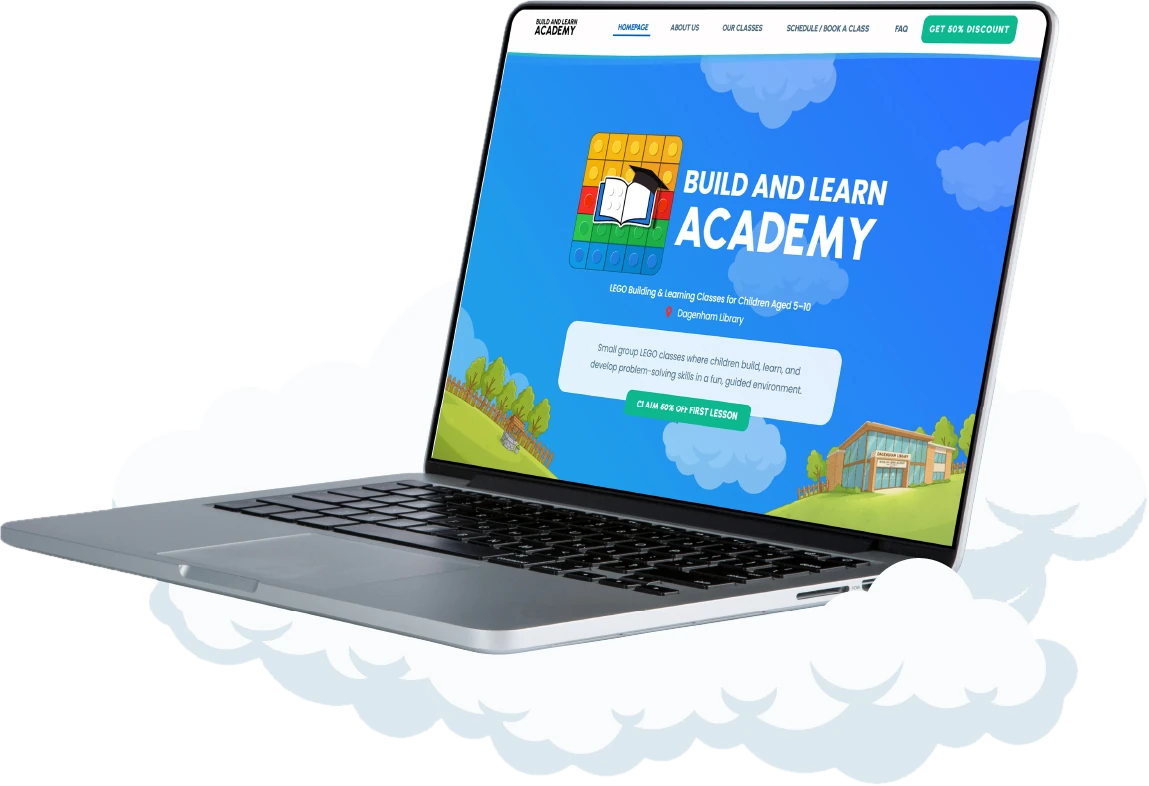
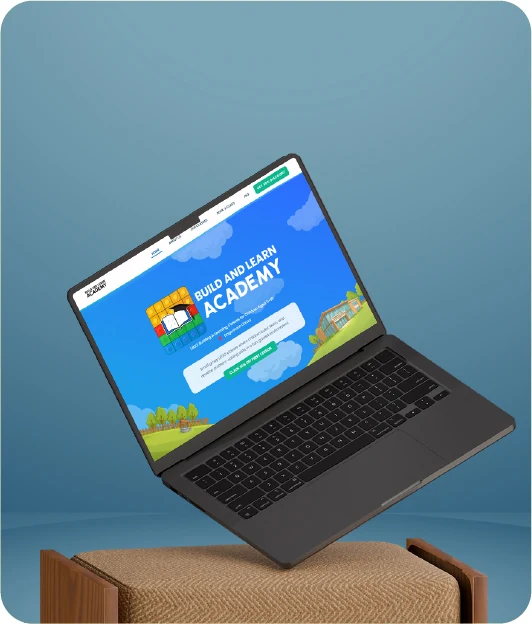
Build and Learn Academy website on a laptop
6steps from choosing a class to payment, with no calls or messages
24/7online booking and payment while the owner is teaching
8places per class: the system tracks the limit itself
1visual language for the website, social media and print
Goal

Launch a LEGO school from scratch and sell classes online

The school had no brand, no website and no way to take bookings. Parents needed to pick a class by age, book and pay on their own, so the owner wouldn’t spend time on messages and spreadsheets.

Solution

One connected system instead of a patchwork of services

  1. Brandlogo, palette, illustrated world
  2. Websitemobile-first, answers to parents’ questions
  3. Bookingcustom system: classes, place limits, plans
  4. PaymentStripe right inside the booking form
  5. Managementowner dashboard with every booking
  6. PromotionReels, posts, flyers with a QR code
01Brand

Visual identity and logo

The brand had to appeal to children and earn parents’ trust at the same time. Therefore, the logo is a strict, dense wordmark, surrounded by a bright world of sky, clouds and LEGO bricks.

Primary version · the icon assembles from LEGO bricks
Inverted on the brand gradient
B&L Academy
App icon and favicon
Social media avatar
Monochrome version
Legible even at 24 px
Clear to parentsA dense grotesque with no bubbly kids’ lettering: the name reads instantly and looks like a serious school, not a play centre.
Appealing to kidsThe emotion comes from the surroundings: sky, clouds, hills and colourful bricks. This world carries through the website, Reels and flyers.
Works everywhereOne logo shape for light and dark backgrounds: from the website header and social avatar to printed flyers.
02System

Design system and UI kit

Before drawing any pages, I put together a set of rules: palette, fonts and components. As a result, the website, booking form and social media look like one whole, and new pages are assembled from ready-made blocks.

Palette

Academy Blue#0067BE · headings
Sky#1F9DEB → #2F7BFF
Action Green#0DB88F · buttons
Cloud#E5F3FC · backgrounds
Ink#33373D · text
Slate#496B84 · secondary
Brick Yellowaccents, labels
Whitecards

Typography · Poppins

Choose your child's age group
Small groups · Max 8 children
Short, friendly sentences for busy parents. One idea per line, clear next step on every screen.
H1 800 · H2 700 · Body 400 · buttons 700 caps

Buttons

Continue booking✓ Selected← BackNext →

Booking progress

1Group
2Service
3Date
4Details
5Payment
6Done

Cards

Ages 5–6 ✓
📅 Wednesday🕔 17:00 – 18:00👥 Max 8 children
✓ Selected
Ages 7–10
📅 Thursday🕔 17:00 – 18:00👥 Max 9 children
Select group ›
Monthly PackageSame group & instructor · Save £20 per month4 lessons
£60.00

Form fields

03Desktop

Desktop experience

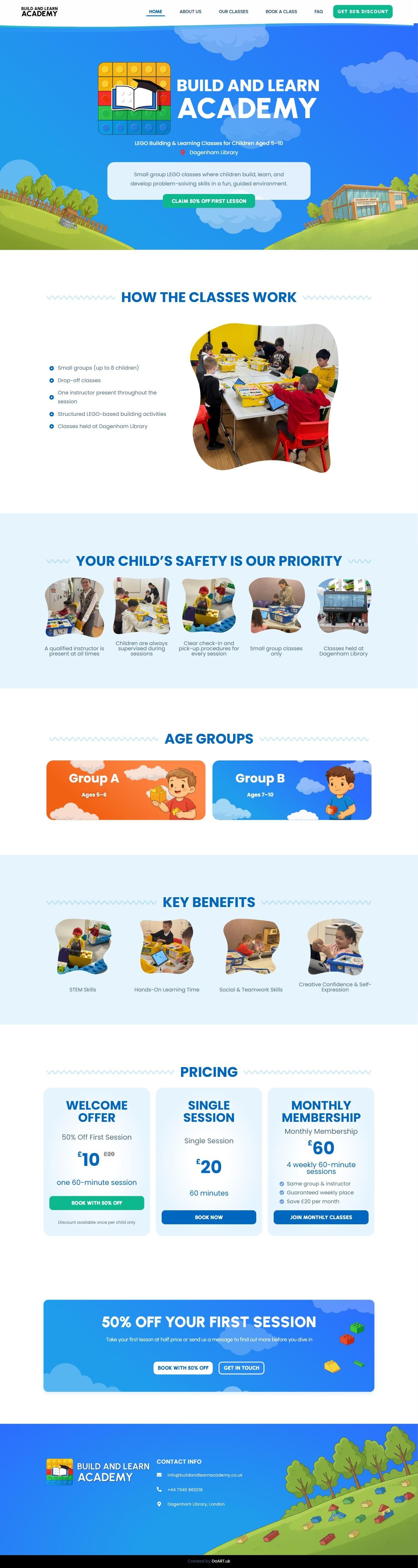
The first screen answers a parent’s three questions straight away: what it is, what age it’s for and where. In addition, the Dagenham Library illustration shows the school is close to home, and the first-class discount button is always in the header.
buildandlearnacademy.co.uk
Full Build and Learn Academy homepageHomepage preview
An illustrated worldSky, clouds and hills set the mood, while the content sits on calm, light blocks and is easy to read.
A short path to bookingThe “Get 50% discount” button in the header and the floating button at the bottom lead straight to the booking form from any page.
Answers before questionsAge groups, timetable, format and FAQ are laid out so parents don’t need to message and ask.
04Mobile version

Mobile experience: a mobile-first approach

Most parents open the site on their phone, from a social media link or the QR code on a flyer. Therefore, the interface was designed for the phone screen first and only then expanded to desktop.


Mobile homepage
Mobile version: pricing
Thumb-friendlyKey actions sit at the bottom of the screen within easy reach, and the buttons are large and hard to miss.
One idea per screenShort blocks, big headings and lists instead of paragraphs: easy to read on the go.
Painless bookingThe booking form is as easy on a phone as on a computer: clear steps, a large calendar and card payment via Stripe.

The site screens scroll on their own, just as a parent sees them on a phone.

05A custom booking system

Custom online booking system: the UX logic

Off-the-shelf plugins couldn’t handle the essentials: age groups, place limits, class passes and a first-class discount. Instead, I wrote a custom online booking system around how the school works, with payment right in the form and a dashboard for the owner.

1
ClassAges 5–6 · Ages 7–10

First, the parent picks the child’s age. Then the card immediately shows the day, time and place limit, so unsuitable options drop out at step one.

2
PlanPass £60 · Single £20 · First class £10

Three clear options. The pass shows the “Save £20” saving, and the 50% off first class takes away the fear of trying.

3
DateOnly the class’s real slots

Next, the calendar shows only the selected class’s session days and how many places are left. As a result, a full or non-existent date can’t be picked.

4
DetailsParent’s name, email and phone

Just three required fields. In addition, the owner can clarify everything else at the class: the shorter the form, the more bookings.

5
PaymentStripe right in the form

Finally, the card is entered on the same page, with no redirects to third-party sites. Moreover, the place is only secured after payment, so there are no “booked but didn’t show” cases.

6
DoneConfirmation and a booking for the owner

The parent sees a booking confirmation, and the owner sees the booking, payment and class capacity in their dashboard.

1Group
2Service
3Date
4Details
5Pay
6Done
Choose your child's age group

Small groups · Max 8 children

Ages 5–6 ✓
📅 Wednesday · 17:00–18:00👥 Max 8 children
Ages 7–10
📅 Thursday · 17:00–18:00👥 Max 9 children
Continue booking
Choose your booking option

Select the package that suits you

Monthly PackageSave £20 per month4 lessons
£60
Single Lesson60 minutes1 lesson
£20
Welcome Offer50% off first session1 lesson
£10
Next →
Pick a date

Only real class days · spots left

SuMoTuWeThFrSa12345675 left8910111213145 left151617181920212 left222324252627285 left293031
Next →
Parent details

Only three fields

Complete booking
Payment

Secure payment by Stripe

Monthly Package · Ages 5–6£60.00
Pay £60.00
✓
You're booked!

Wednesday 14 · 17:00–18:00
Ages 5–6 · Monthly Package

Paid£60.00
Back to home

Click the steps: the screen shows what the parent sees

Built around the businessClasses, limits, passes and promos work the way the school does, not the way a plugin author decided.
No subscriptionsNo monthly fee for a third-party booking service and no commission on top of Stripe.
On brandThe form looks like part of the website, not someone else’s widget, so people trust it.
Owner dashboardBookings, payments and class capacity in one place, with no spreadsheets or message threads.
06Offline

Print materials and identity

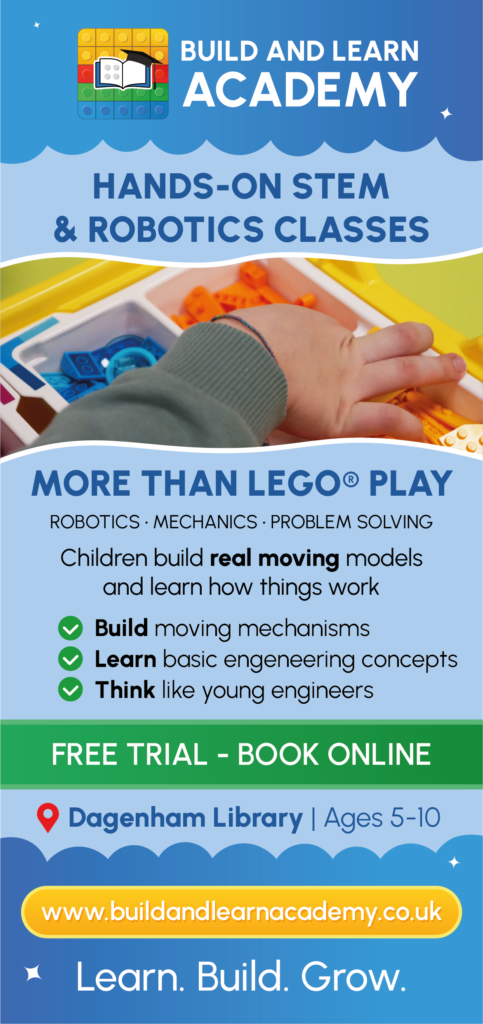
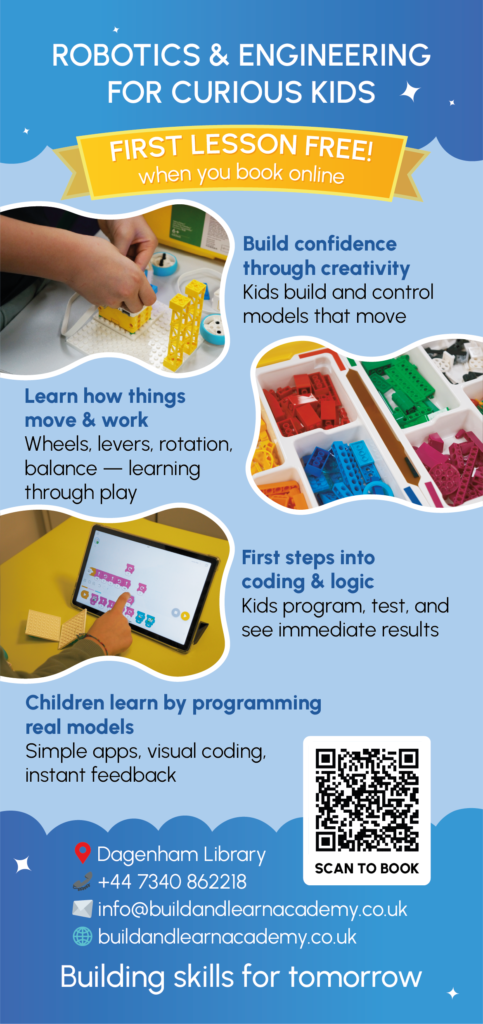
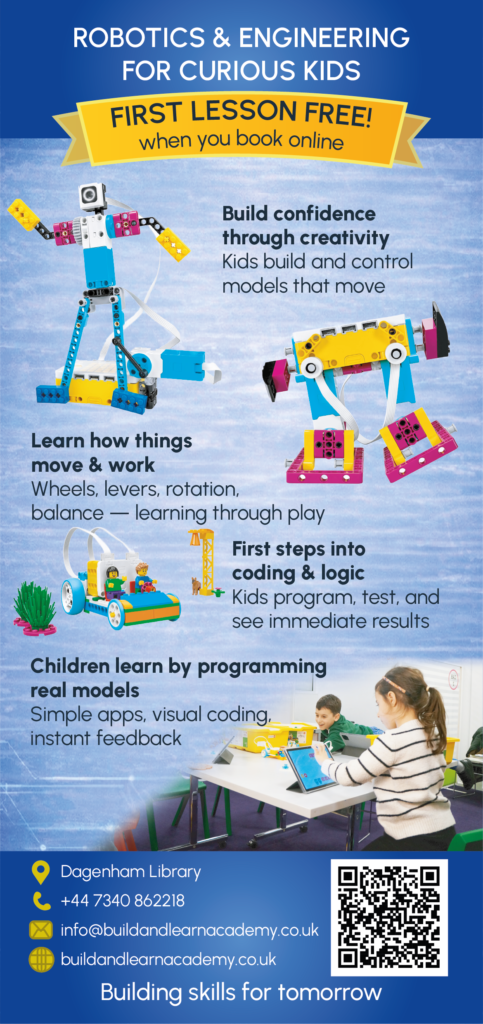
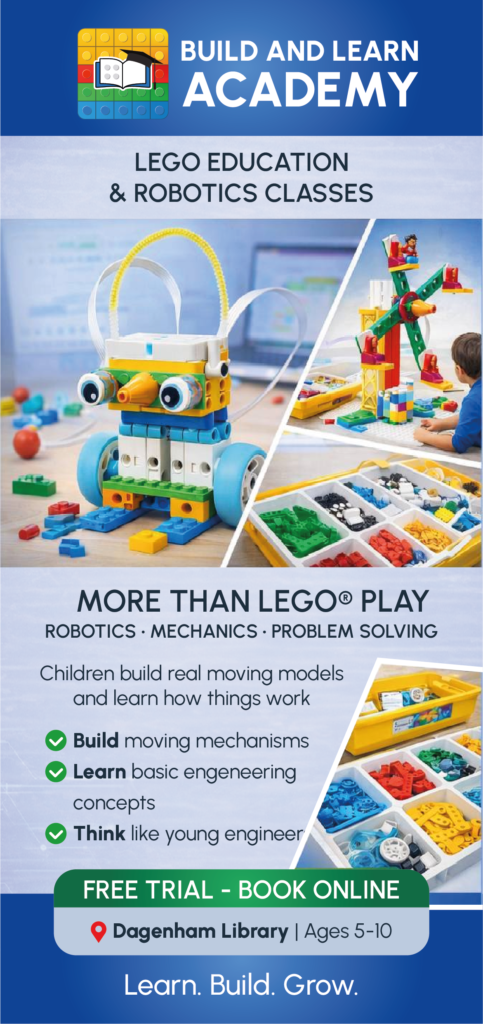
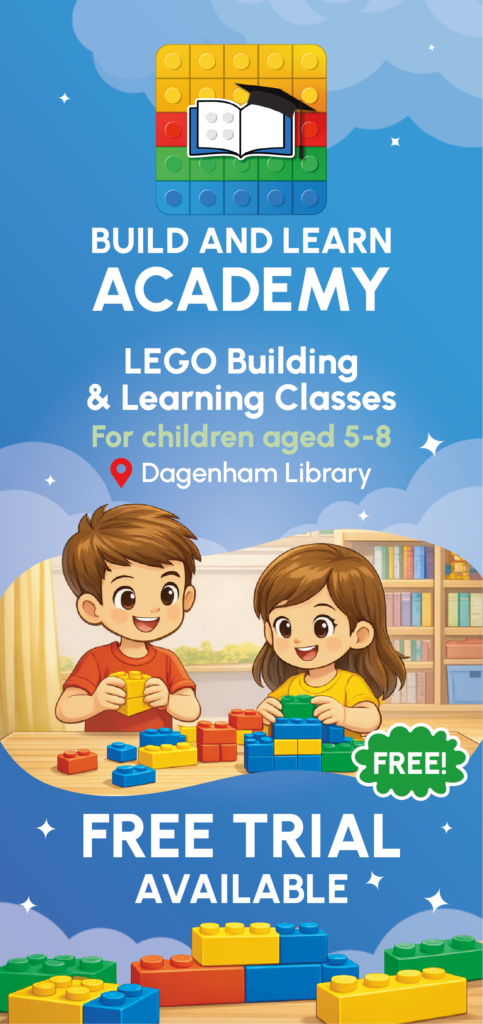
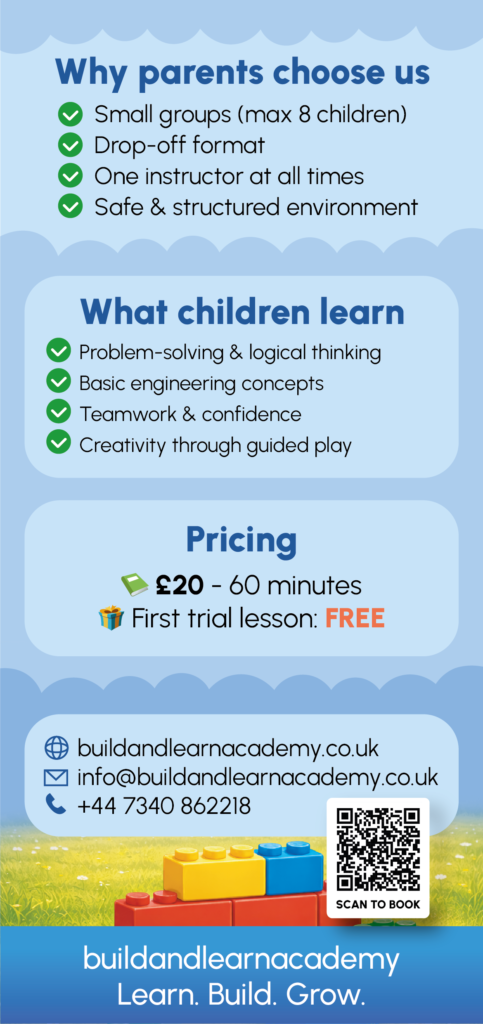
For offline promotion, in the library and around the neighbourhood, I designed flyers and posters. They also continue the website’s style and lead to booking via a QR code.
07Social media

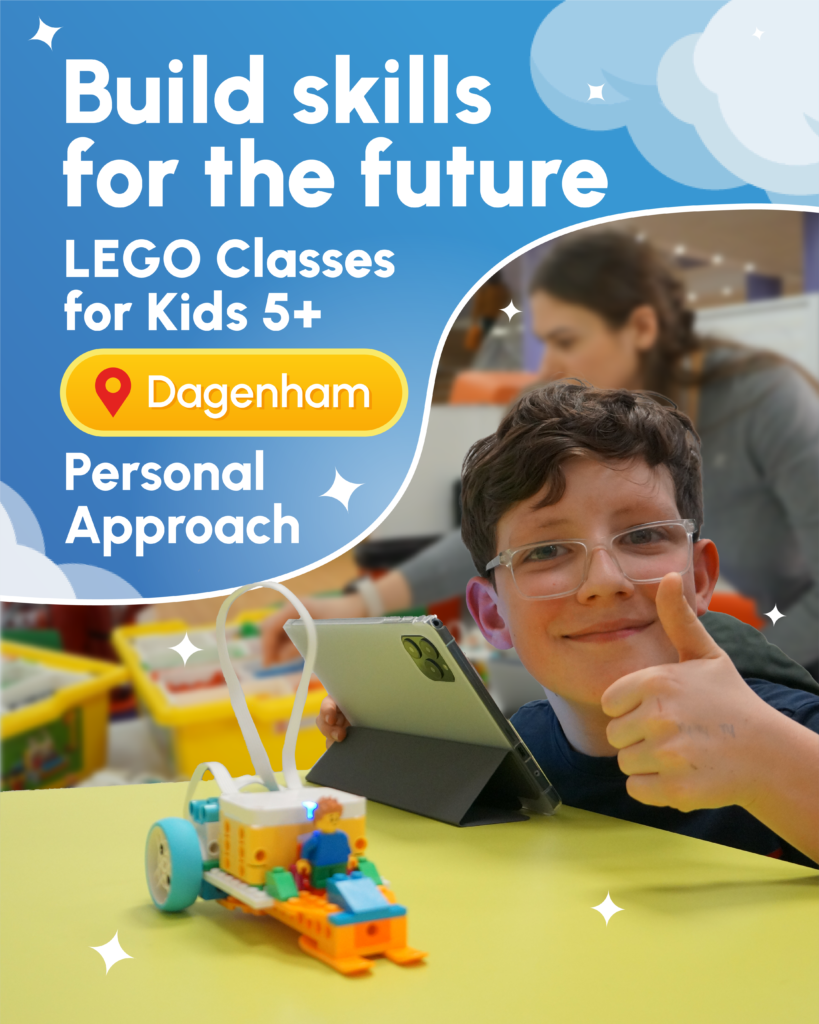
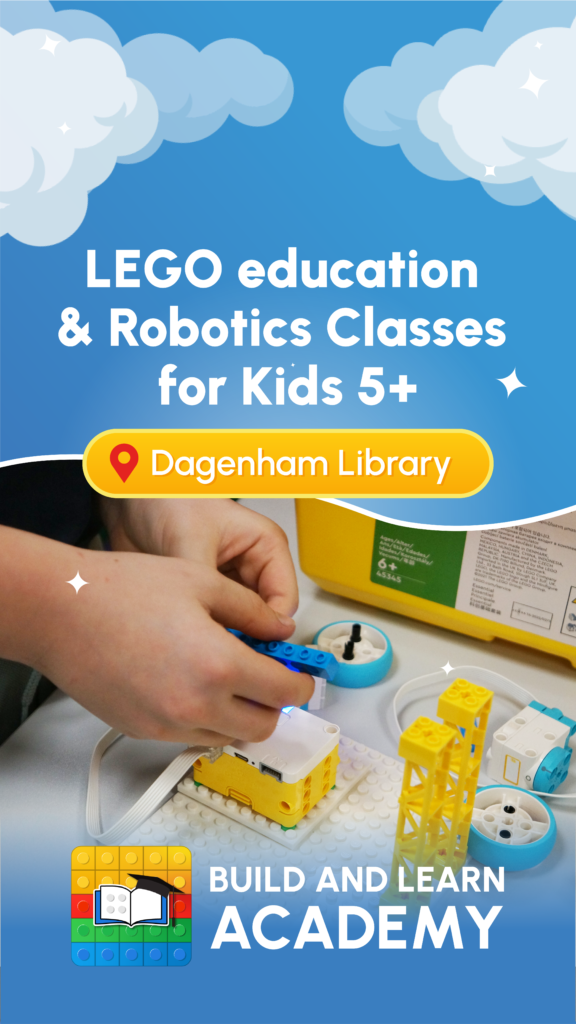
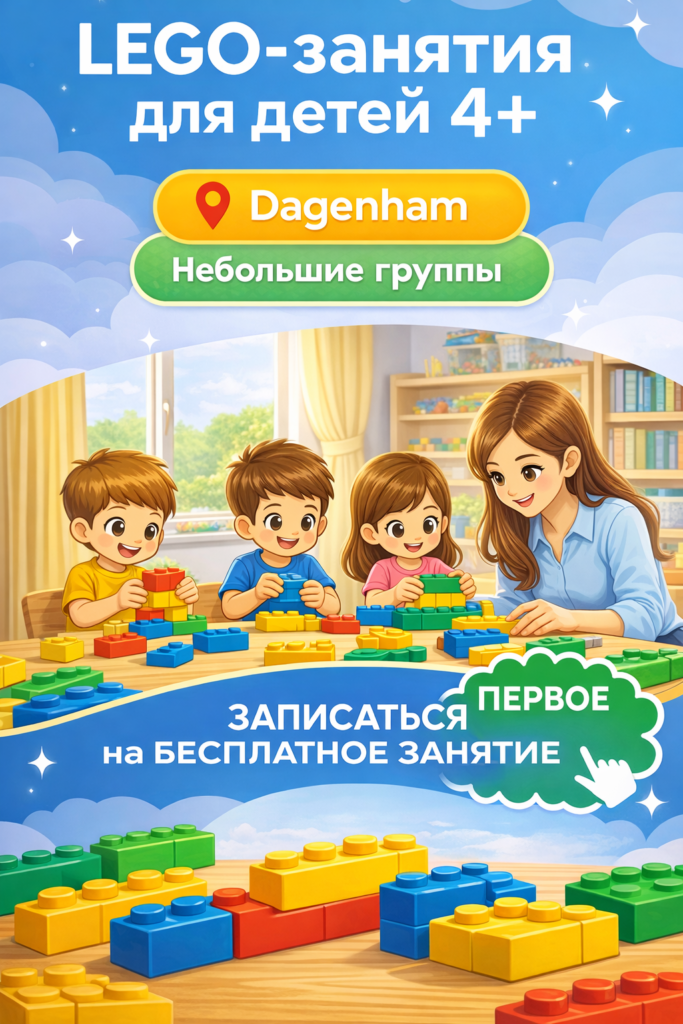
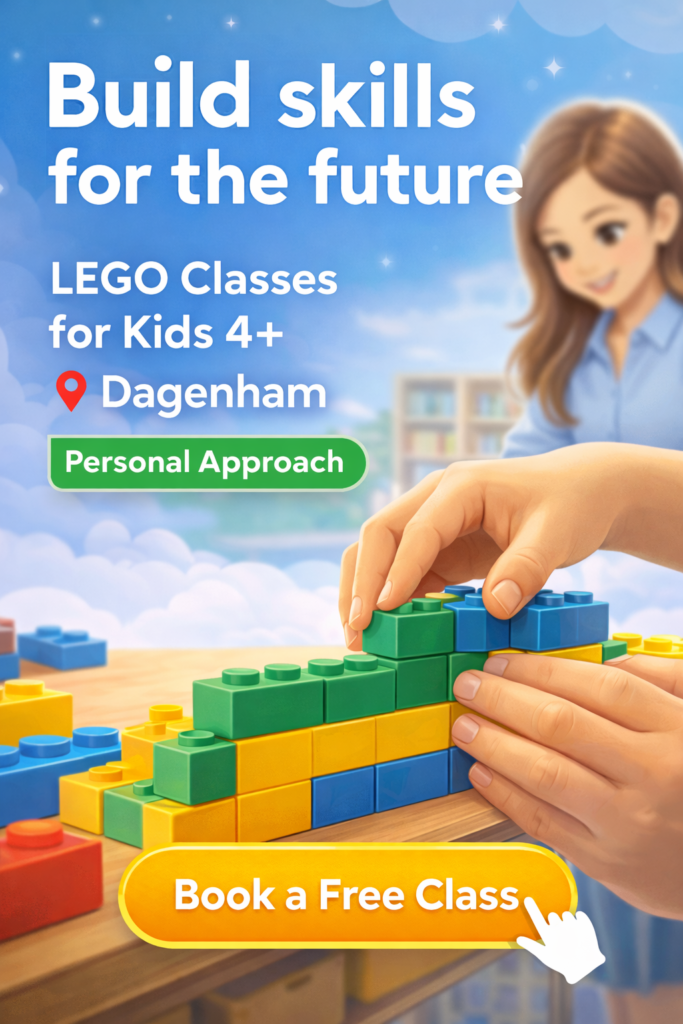
Cover and Reels design

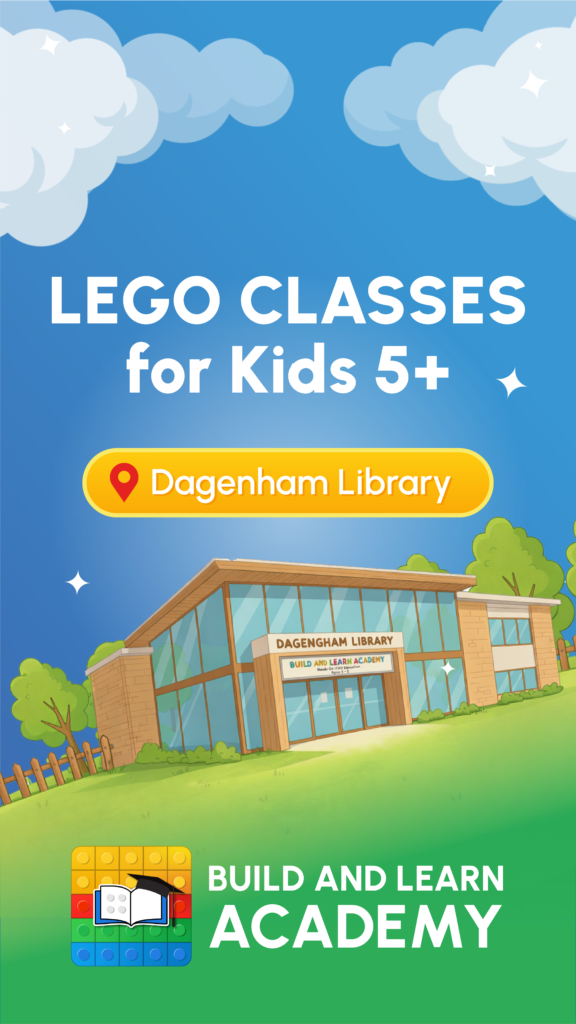
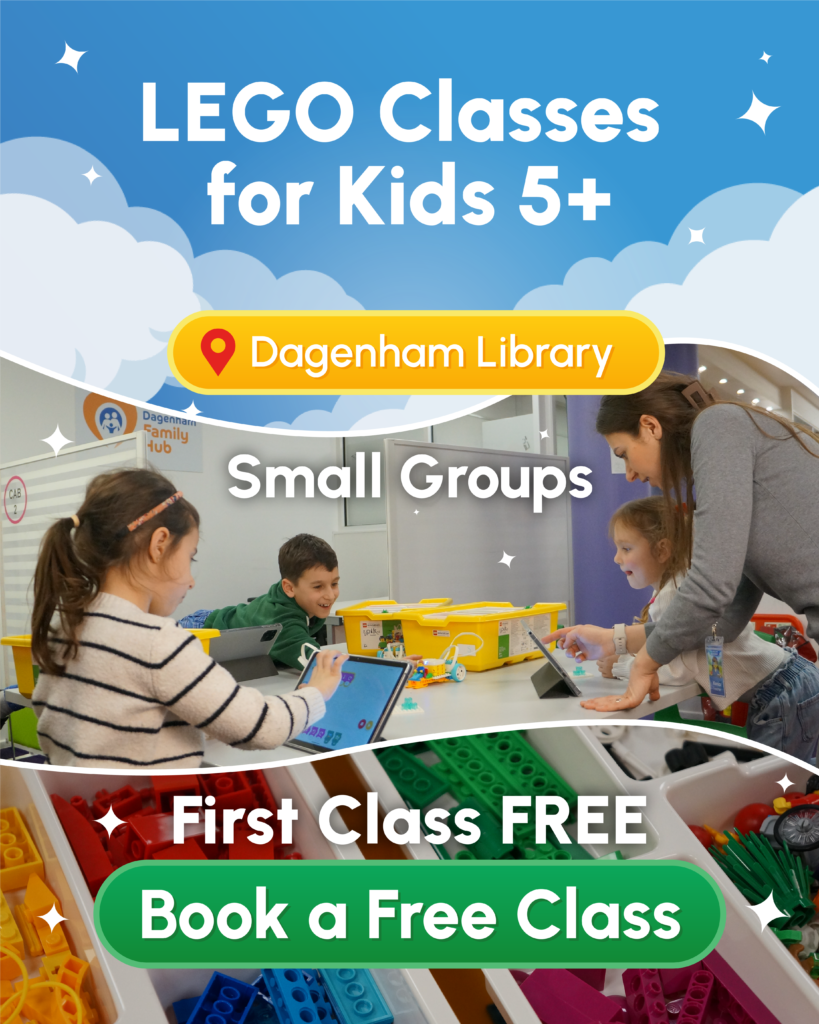
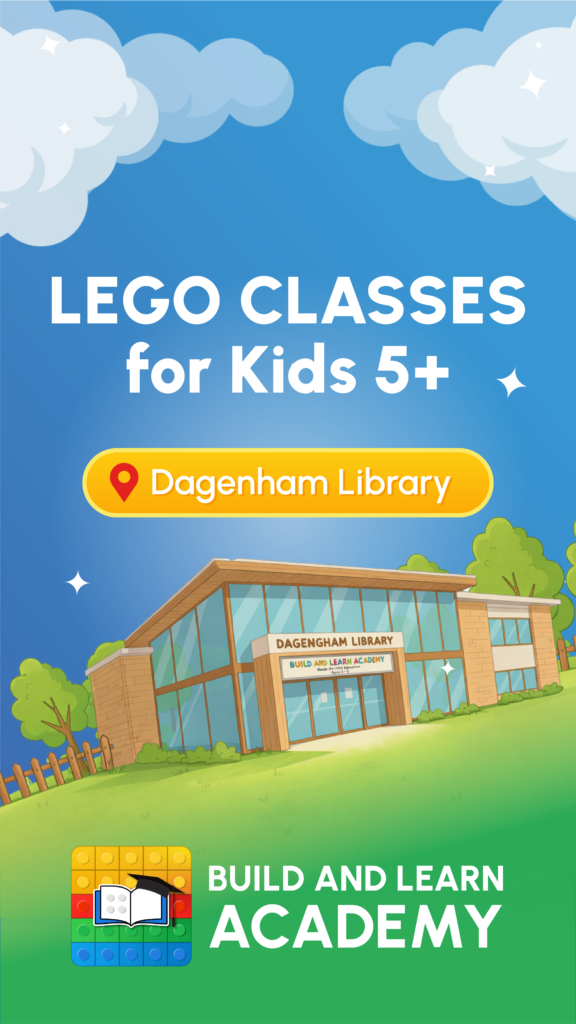
A series of Reels and post covers in the same system: sky, clouds, a yellow location tag and a green “Book a free class” button. As a result, the feed looks cohesive, and every video continues the path to booking.
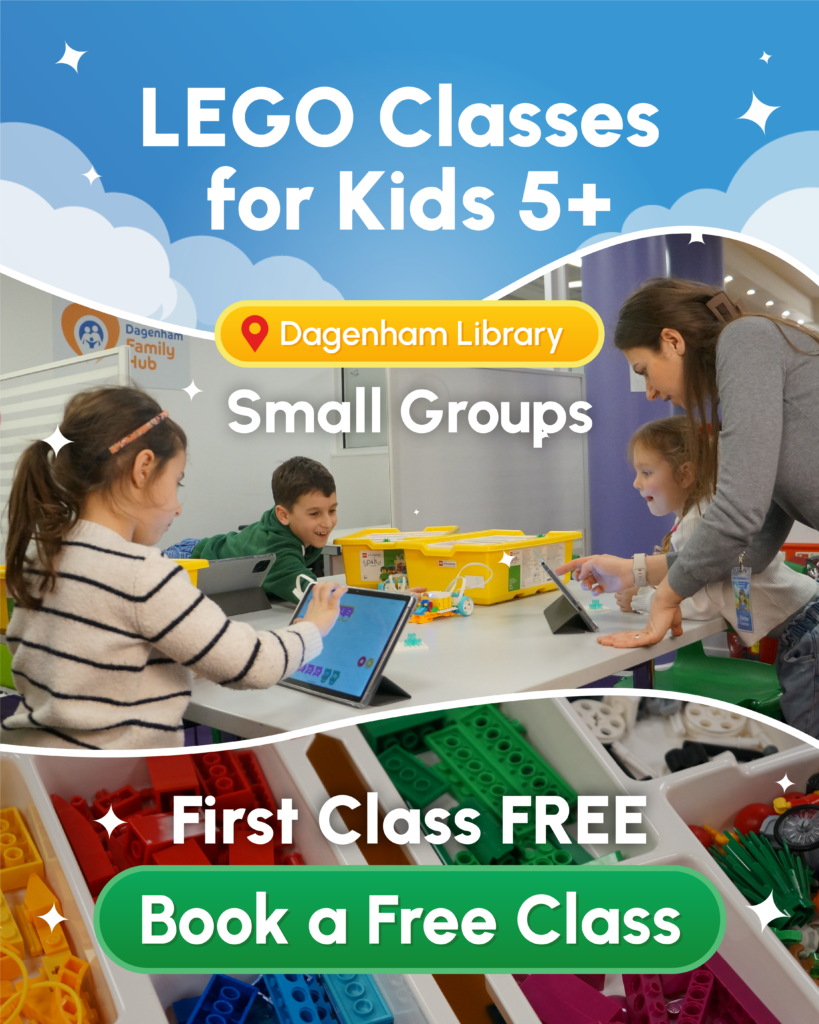
Build and Learn Academy Reels cover
Build and Learn Academy Instagram post
Build and Learn Academy Reels cover
Build and Learn Academy Instagram post
Build and Learn Academy Reels cover
Build and Learn Academy Instagram post
Build and Learn Academy Reels cover
Build and Learn Academy Instagram post
Build and Learn Academy Reels cover
Build and Learn Academy Instagram post
08Result

A complete ecosystem

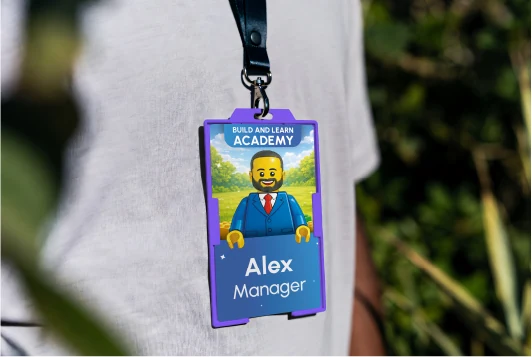
In this project I didn’t just build a website, I designed the brand’s whole ecosystem: from team badges and a roll-up banner in the library to Reels and the booking system. Moreover, each part leads to the next: a parent sees a flyer or video, lands on the site, books and pays, and the owner gets the booking without a single call.
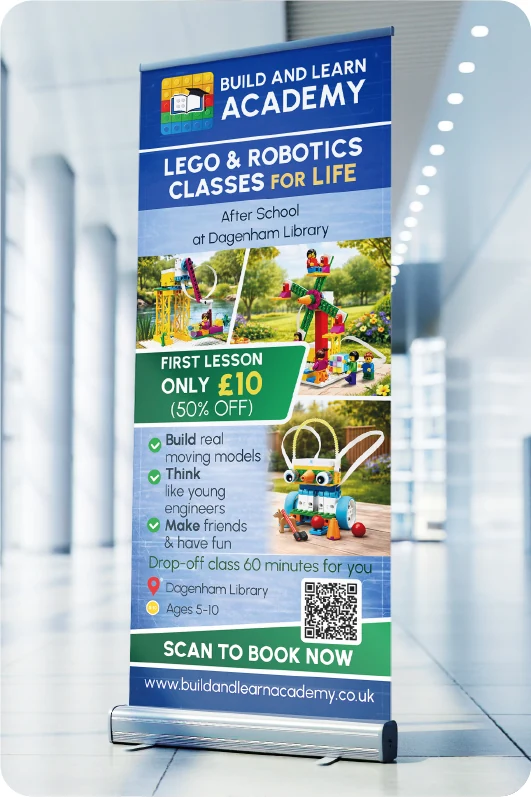
Build and Learn Academy roll-up banner in the library foyer
Library roll-up banner
Build and Learn Academy website on a laptop
Website and booking system
Mobile website in a hand
Mobile version
Build and Learn Academy staff badge
Team badges
foundationBrandLogo, palette, illustrations and tone of voice: one face across every channel.
acquisitionReels and printCovers, posts, flyers and posters with a QR code bring parents to the website.
trustWebsiteAnswers questions about age, format, timetable and price before they’re asked.
conversionOnline bookingSix steps from choosing a class to confirmation, with place limits and promos.
revenueStripe paymentsPrepayment right in the form: the place is secured and fewer classes are missed.
managementOwner dashboardAll bookings and payments in one place, so the owner focuses on the children, not admin.
Reels / flyer→Website→Booking→Payment→Owner dashboard→Happy parents tell others
09Live project

See the live project

The site is live and taking bookings online. Open it and try booking yourself.

Want a system like this for your business?A quote in 30 seconds · no calls · reply todayGet a quote